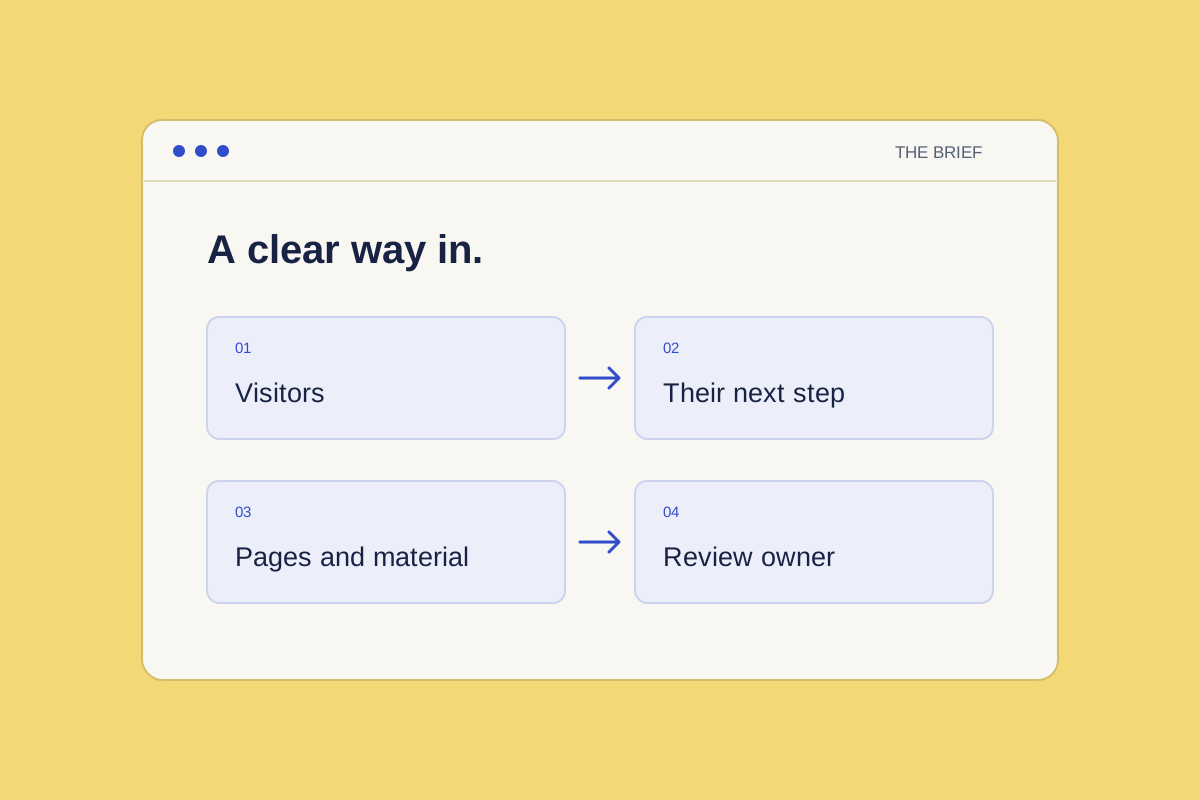
Describe your visitors and their actions
Name the main groups you want to reach. For each group, write down what they need to understand and the next step you want them to take.
For example, a visitor might need to find an event or enquire about volunteering. Use the actions your charity actually needs. Include where each action should lead, such as an existing page or service your team already uses.
List the pages you need
Give each proposed page a purpose and a main action. A short page list is easier to review when the team can see why every page is there.
Separate the pages needed for the first agreed scope from ideas to consider later. Note any longer guides that need their own space, and explain how visitors should find them.
Gather the available material
List the words, logos, photographs and other assets you can supply. Check that your team has permission to use them. Mark missing content clearly so it can be discussed during scoping.
Add links to existing pages that contain useful information. If an example site helps explain a preference, say which part you mean rather than asking for a copy of the whole site.
Name the review owner
Choose the person who will collect feedback and confirm the content. Record anyone else who needs to review particular pages. Include questions about how future changes will be reviewed and published.
A filled website brief
Meadow Community Group is fictional. All details in this brief are illustrative.
Purpose, visitors and actions
Purpose: Help local residents find community activities and prospective volunteers ask about helping.
- Local residents: Read activity details, then contact the group through its existing public enquiry address.
- Prospective volunteers: Read volunteer roles, then use the same enquiry route to ask about helping.
Pages in the first scope
- Home: Introduce the group and link to Activities.
- Activities: Explain regular activities and link to public enquiries.
- Volunteer: Outline roles and link to public enquiries.
- About and contact: Give the group's purpose, public contact details and privacy information.
Available and missing material
Supplied: An approved short group description, a logo with permission to use it, and the existing public enquiry address. The address is kept offline in this example.
Missing: An approved activity timetable, approved role descriptions, and photographs with permission to use them and suitable alt text.
Review and scope
The group coordinator collects feedback and approves content before anything is published. The activity lead checks the timetable.
The scope excludes a new donation, booking or volunteer database. Confirm how future changes will be reviewed and published during scoping.
Reuse the website brief
Fill in the blank brief, then check the scope against its checklist. Mark missing material and name who will supply or confirm it.
Copy or download this blank template without signing up. Complete it locally; nothing is submitted to Charitas. Before sharing, remove unnecessary personal details and check permissions.
Keep the completed brief locally for scoping. Start here saves setup preferences; it does not accept brief uploads or publish work. Charitas services are in development.
Read about Charitas websites, then Start here to choose your website preferences. Keep your brief ready for scoping.